Basic
Try the companion and learn with it.
$49
/ month
- 40 companion commands a day
- Demo account with live prices
- Every school and indicator
- No real account linking
The professional TradingView chart with an AI companion that listens and answers out loud. Ask for your levels, an analysis in your school, or a trade with stop and target, and it executes on your account within the limits you set.

Arabic or English, by voice or text. It understands dialect, numbers and trading terms, and knows your trades, orders and limits.
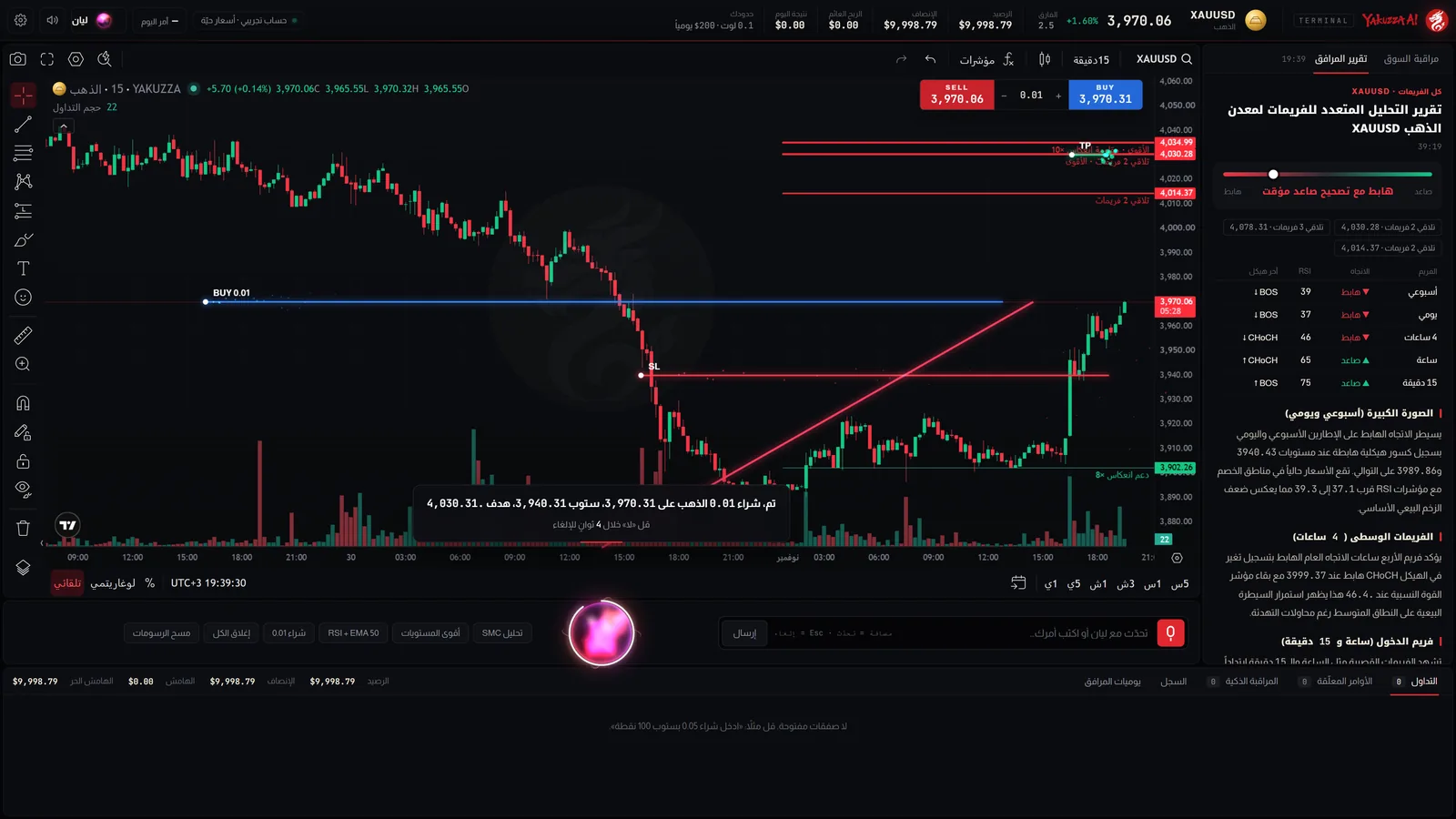
It opens the trade on your account with stop and target, reads it aloud, and gives you four seconds to say “no” and cancel it without a trace.
Buy 0.01 gold, stop 300 points, target 600
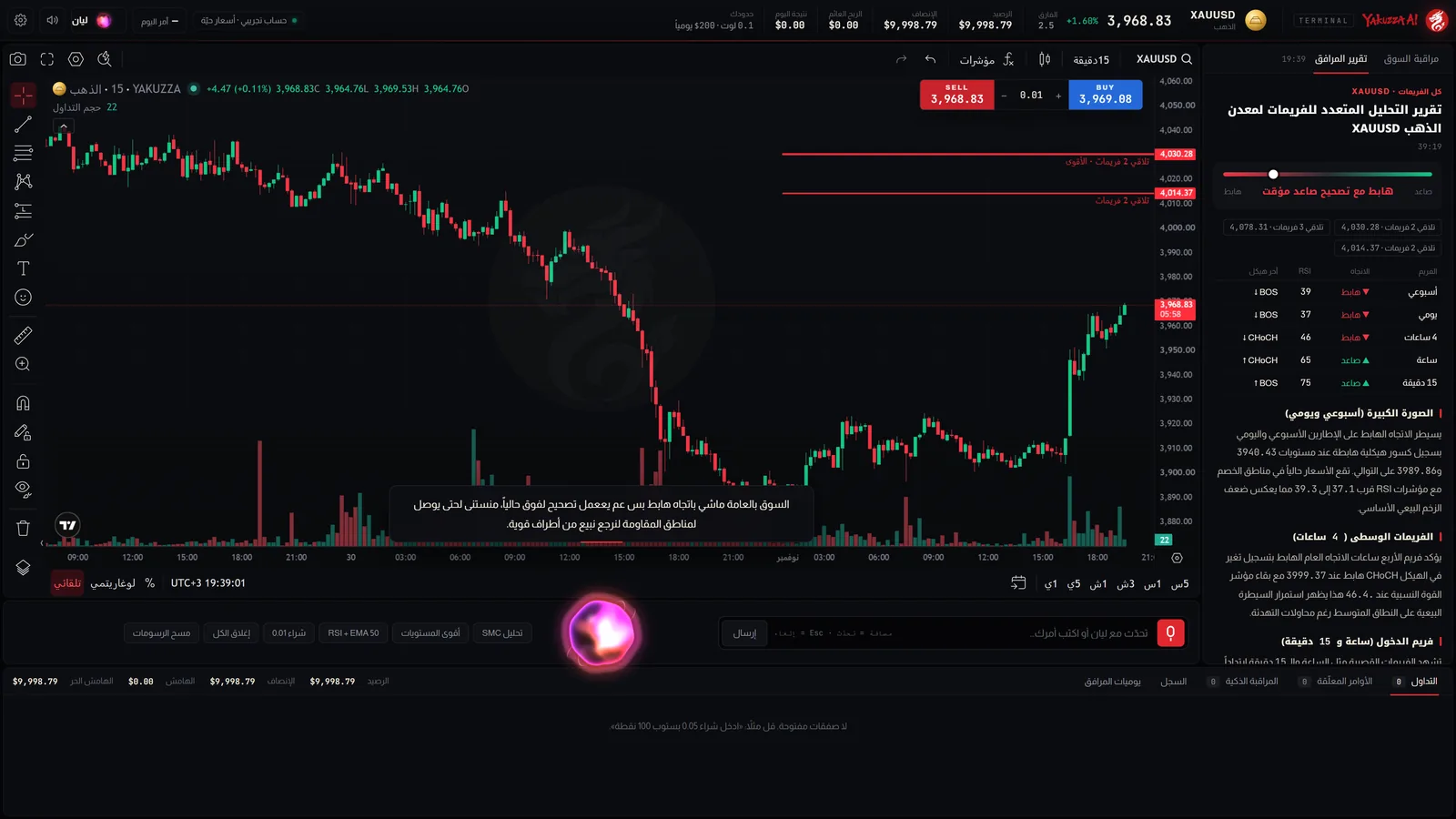
It flips the chart from weekly down to 15 minutes, then writes you a report: the dominant direction, the confluence zones and what would change the picture.
Analyze gold on every timeframe
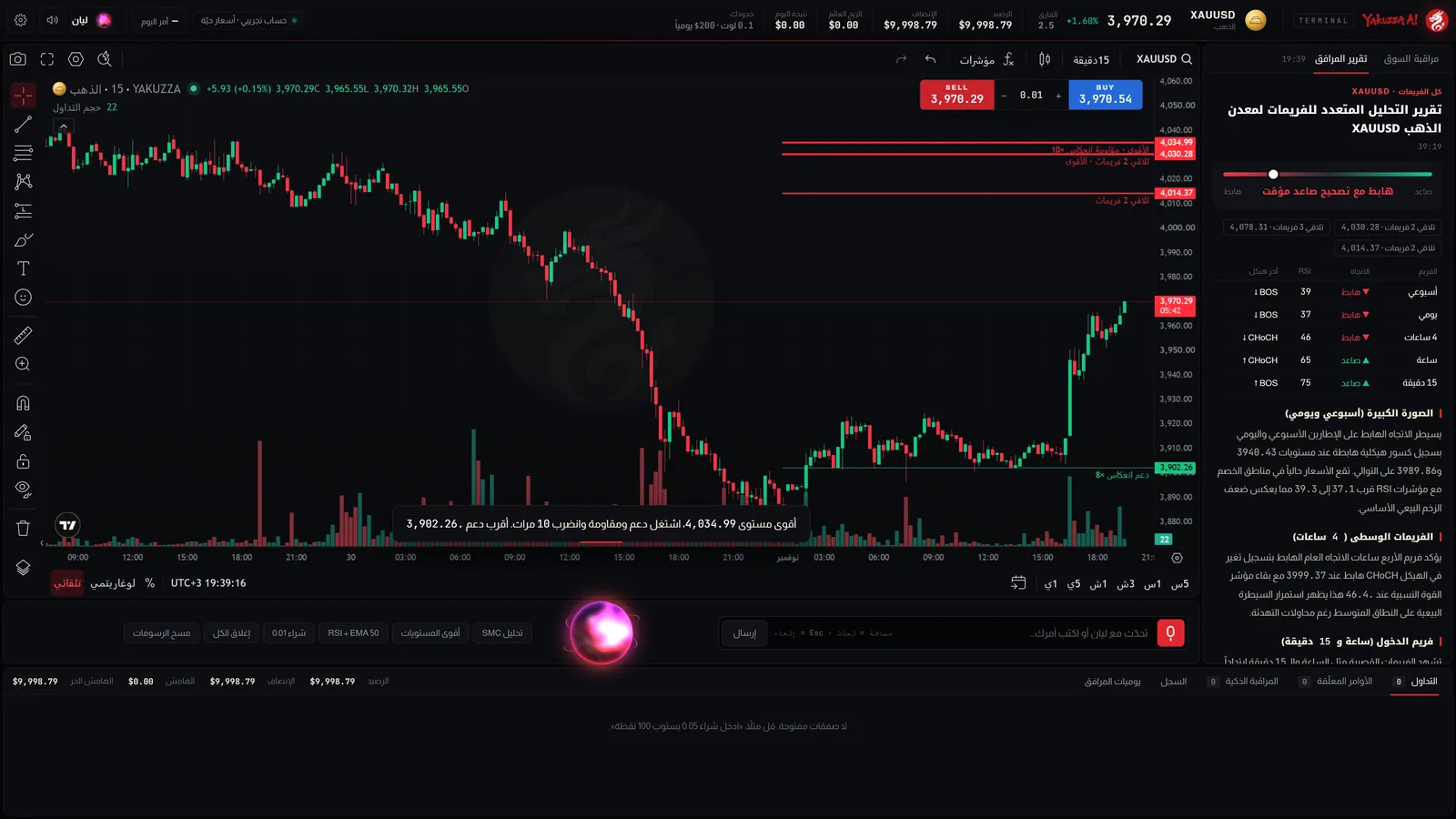
Supports, resistances, zones, Fibonacci and indicators, drawn on the chart itself with numbers computed by the platform engine, not guessed.
Draw the strongest support and resistance
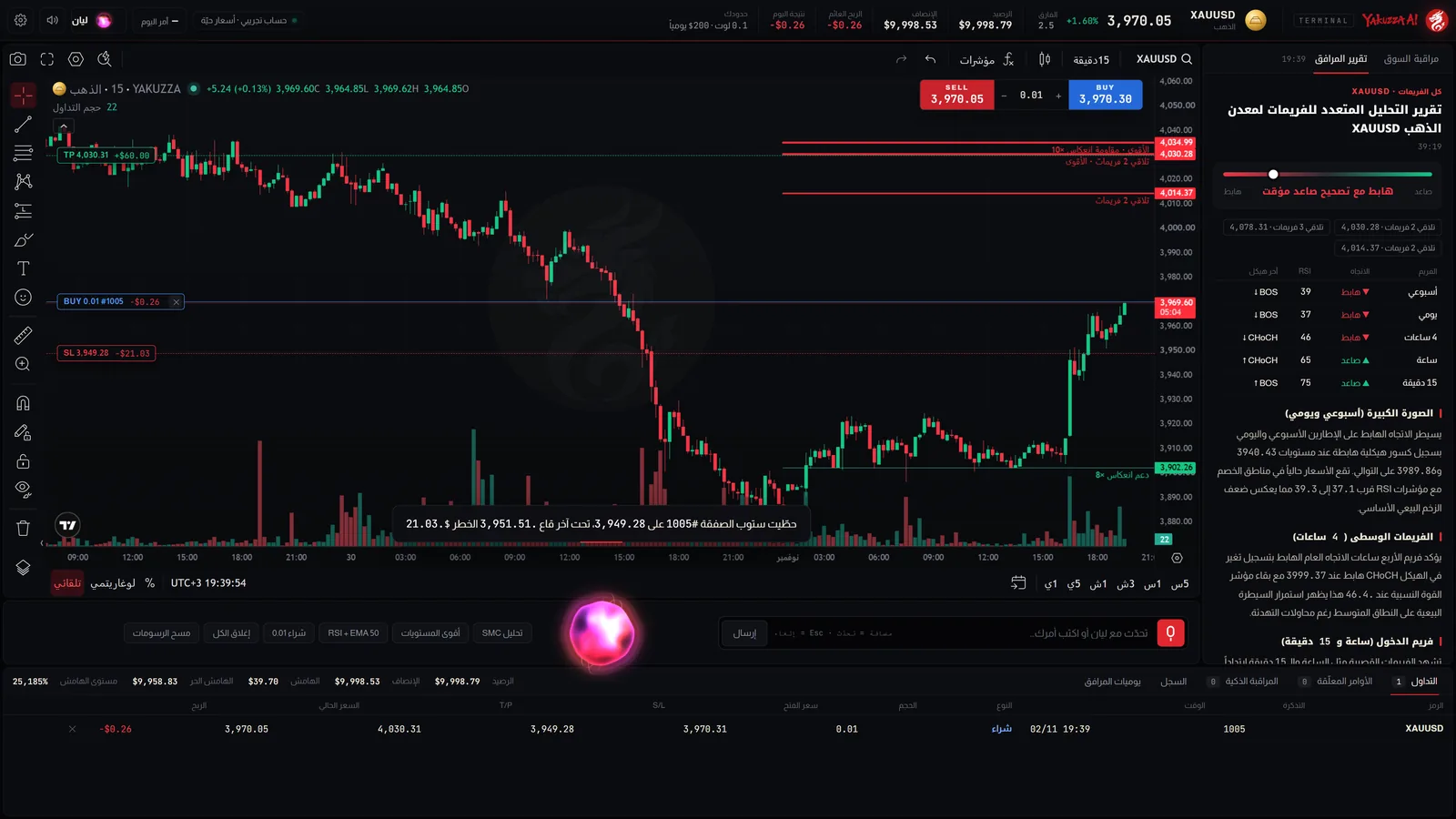
A smart stop behind the last swing, stop to entry, partial closes, and the risk in dollars before you decide.
Give me a smart stop
On Pro and Elite you link your MetaTrader 5 account at your broker, and the companion executes on it directly.
The trading password opens and closes trades only. It cannot withdraw or transfer.
It passes once, encrypted, to MetaApi, the connection provider, which keeps it encrypted.
Stops, targets and pending orders are executed by your broker even if you close the page.
Every plan has the same platform, companion and schools. What changes is the daily command allowance and real MT5 accounts.
Try the companion and learn with it.
For daily trading on your own account.
For heavy use or two accounts.
Out of commands for today? A pack of 500 extra commands for $9 for subscribers, used only after your daily allowance, valid 30 days.
Add a packYes. Sign in and get 10 free commands with the companion on the demo account with live prices. Linking your real MT5 account is available after subscribing to Pro or Elite.
Every request you give the companion, by voice or text, counts as one command however many steps it takes. An all-timeframe analysis is one command too. The allowance renews daily.
No. It only opens a trade when you ask, or on a condition you set. Anything outside your limits waits for your approval.
After subscribing, from the setup page or the platform settings: your MT5 account number, server and trading password. It links through MetaApi and we never store the password. Each slot in your plan holds one account; to change a linked account, contact support.
Yes, in the browser on phone and computer. The full chart-and-voice experience is best on a computer screen.
No. The analysis is a tool to help you decide, and trading puts capital at risk. That is why the daily limits and the confirmation question exist.
Pick a plan, introduce yourself to your companion in a minute, and start.